 |
|
|
|
|
 |
|
So you’ve snapped a masterpiece with your Lomo LC-A+ - a breathtaking shot of a beautiful summer landscape, with the shadowy vignettes framing the colour-drenched scene.
Ooh, that deep saturation! Knockout contrast! A smattering of film grain! But how come it seems that no one has taken notice on the Lomography website?
Sharing your Lomographs with the community does not stop at uploading your photos to your LomoHome account – tagging them makes the process complete!
Tags make it easy for Lomographers to find your images when they search for it in the Lomography website.
|
|
 |
|
Login to your LomoHome* account and go to the Lab.
You’ll be taken to your uploaded photos; select one photo or select all and you’ll see that tagging fields will appear. To make sure that you have a complete photo, fill up the following fields:
- Title and description
- Camera assigned
- Film assigned
- Country where the picture was taken
- City where the picture was taken
- Assign Time and Date
That’s it! Photo-tagging complete! Now, you’re ready to join the Complete Your Picture Rumble!
*Don’t have a LomoHome yet? Register now so that you can take part in this rumble!
|
|
 |
|
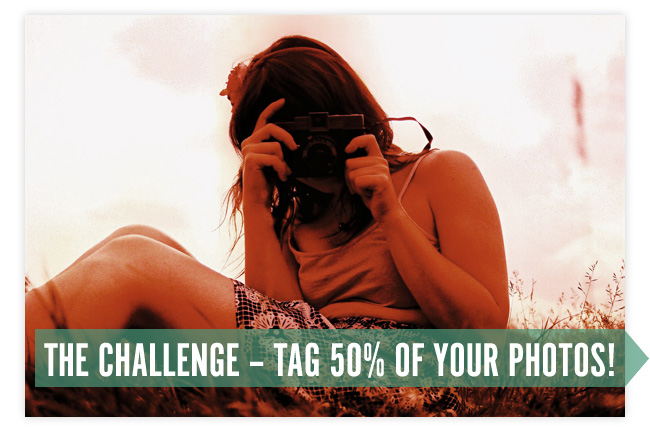
A complete photo makes it easy for other Lomographers to discover your photos. But this week the deal is even sweeter –
Tag 50% of all your photos before the 27th May and we’ll reward you with 10 Piggy Points to spend in the online shop –
Plus, one randomly selected winner will get a Spinner 360° camera!
Find more details about the competition by heading to the Complete Your Picture Rumble page.
|
|
 |
|
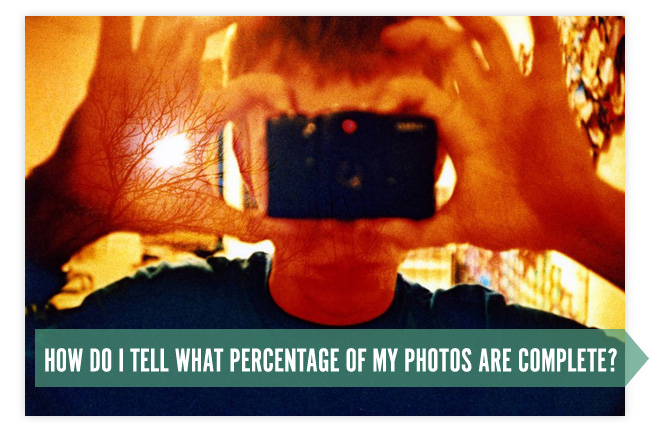
We’ve made it easy for you! Just take a look at the completeness bar in your LomoHome – It tells you what percentage of your shots are complete at the moment –
Just make the number in that box 50% or over and you’ll automatically qualify for your 10 Piggy Points and maybe a Spinner 360° too!
|
|
| |
 |
| |
|
Share


This was originally a newsletter sent out by us – if you want to receive more of these, just subscribe to our newsletter. Thanks!
|
|



