| • Chez Holga is always open | • Step back into the 70s gallery | |||
| • ‘How to’ guide – 2 new mods | • Le Chic Fuji Velvia offer | |||
| At the Holga mods workshop we spend a lot of our time tinkering, cutting, unscrewing, sawing, snipping, blow-torching... and this is all good fun. What makes it all worthwhile, however, is when you chaps come to us with your own modifications. So this edition of Holga Mods is dedicated to your Holga inventions. | We like to think of ourselves as chez Holga. A safe and comforting place where all your Holga wants and whims are catered for. Whether it is adaptors, cable releases, mounts, flashes or filters you desire, there is a shelf in our warehouse that has the object of your affection on it. |
| Our Holga microsite has had a re-vamp – check it out for loads of new content, mods, accessories , tips, tricks & other lovely Holga good vibrations! – http://shop.lomography.com/holga/ |
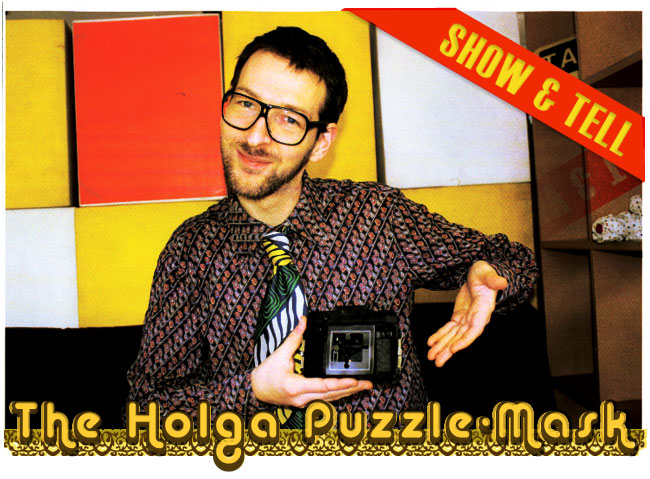
| So the first show and tell comes from our friends at the Italian Lomo embassy. |
|
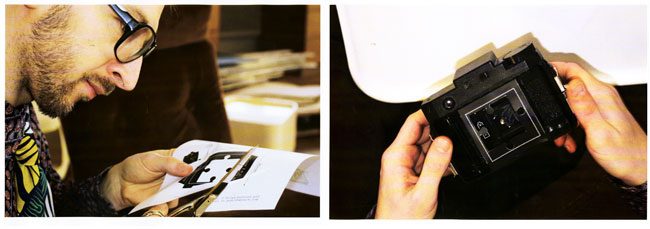
Step by step Puzzle-Mask Tools: the 2 puzzle-masks (provided here), scissors, sticky tape, your Holga and two rolls of 120 film. Remove the back of your Holga. Your puzzle-frame mask should fit perfectly into the Holga in front of where the film will scroll. Fix the 1st puzzle-mask in with a bit of sticky tape. Load your film and you are ready to shoot. |
Repeat the process with the 2nd puzzle-mask – and shoot another film. You need to do this or none of the jigsaw pieces will fit together. After you develop your shots just cut around the puzzle shape. There you have it – all the pieces to make a Holga jigsaw. Variation: To make it even more exciting you can stick magnetic paper on the back of your shots before cutting out the shapes. Then you have a nifty magnetic Holga puzzle to put on your refrigerator. |

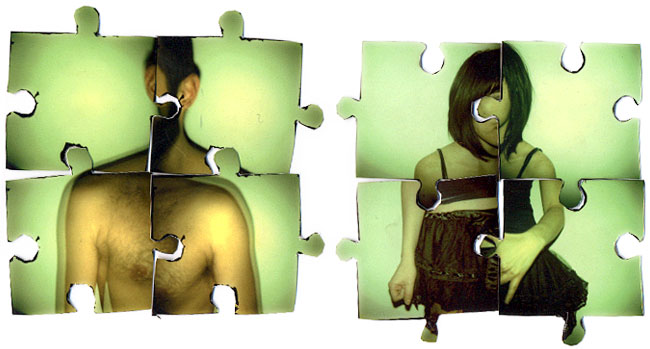
| Click here to get your Holga Puzzle mask - http://www.lomography.it/holga/puzzle3.jpg |
|
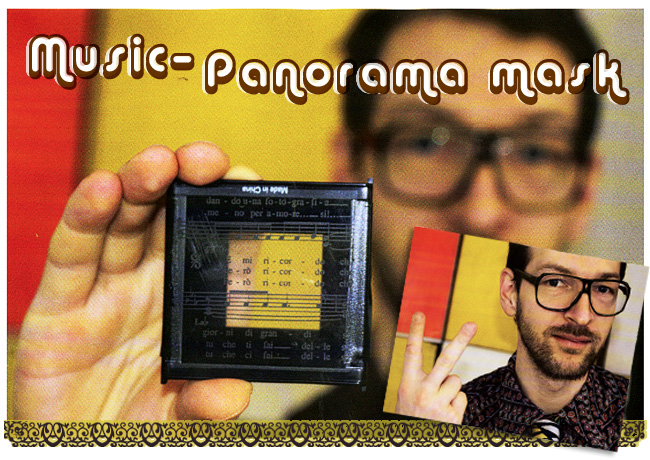
This is a modification submitted by a mysterious Lomographer known only as Francesca of Italy. Step by Step guide to Music Panorama mask Tools: transparent paper/Overhead Projector paper (OHP) – which you are able to photocopy onto, a Holga plastic mask, a photocopier, scissors, some sheet music, your Holga, you and some film. Photocopy the sheet music onto the transparent paper. Cut out enough of the transparent paper to cover the plastic mask and stick down. |
Stick in your music mask into the back of your Holga. Set the "film counter window counter arrow" to 16 so your shots will overlap and if you carefully line up everything up it will look like a good panorama. Variations: You can of course draw things on the transparent paper with a black marker pen. Alternatively you can photocopy symbols other than music onto the paper. If you just want a simple mask effect set your film counter arrow to 12 and shoot normally. |
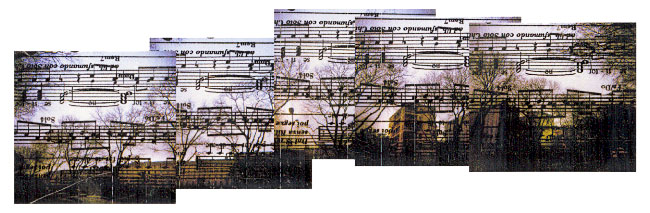
| Check out these 2 mods as well as all the others here - http://www.lomography.com/holga/modifications/step-by-step-guide-to-music-panorama-mask |

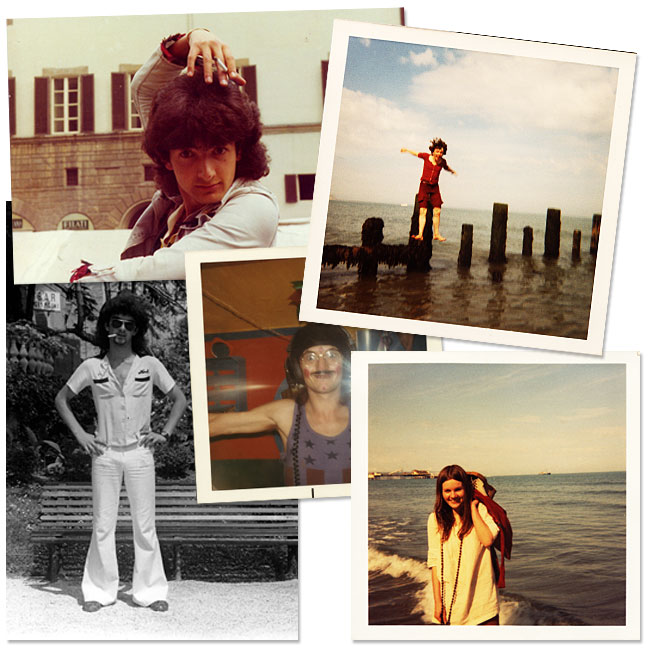
| With these shots we are taking you back when John Travolta had nightfever and the BeeGees wanted to know how deep your love really was. Yes the 70s complete with bell-bottom flares, platforms and lava lamps. Dig It. http://shop.lomography.com/70/ |
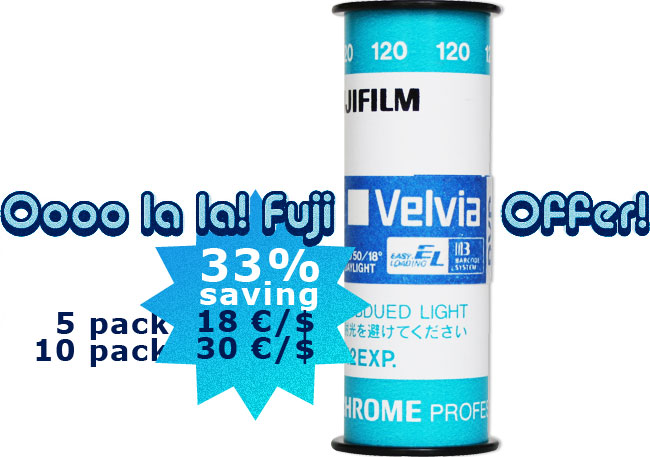
| Prepare yourself for gasps of wonder and jaws hung with awe. The Fuji Velvia is perfect for retro-looking slide shots. Full on the Velvia,is not as shy as the Astia or Provia. When developed normally it has gorgeous colour reproduction with a slightly dated tinge. Cross-processed you can expect that signature red Fuji slide shift. - http://shop.lomography.com/go/?where=shop&pro=exm |
Until the next time!
| unsubscribe | |
| Do not reply to this email! This email is being sent by an automated message system. Replies sent to news(at)thelomographer.com will not be received. To unsubscribe, please use the link provided in this newsletter. To contact us, send an e-mail to contact@lomography.com www.lomography.com/contact | |